
Easy
It's this easy
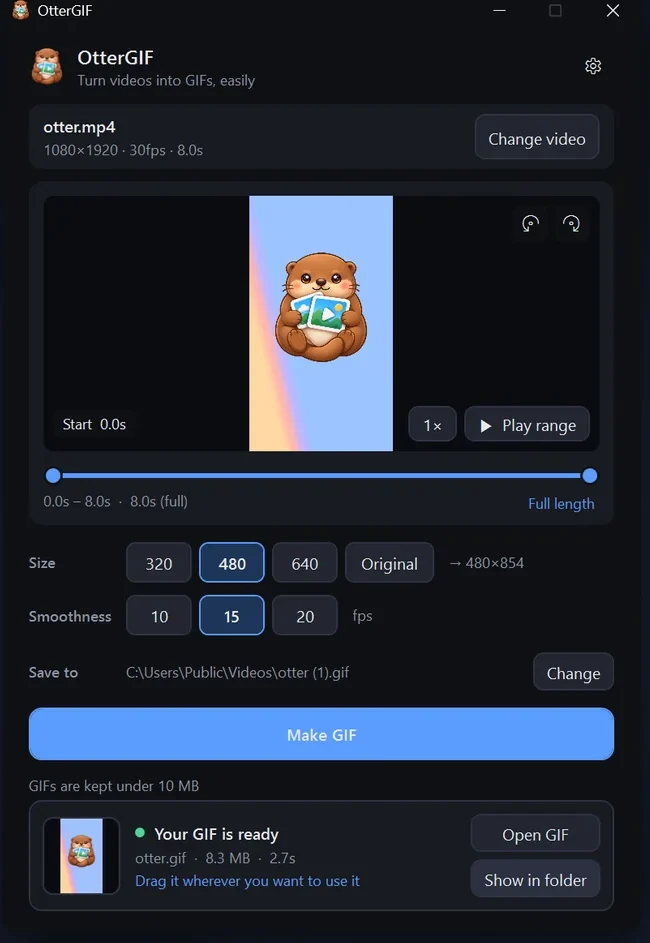
Drag a video onto the window, pick the part you want with the slider and play it right away. Press "Make GIF" and drag the result straight to wherever you need it.
- MP4
- MOV
- M4V
- → GIF
 OtterGIF
 turns videos from your phone or PC into GIFs, easily. No complicated editing tools — pick the part you want and press one button.
Windows · Automatic updates
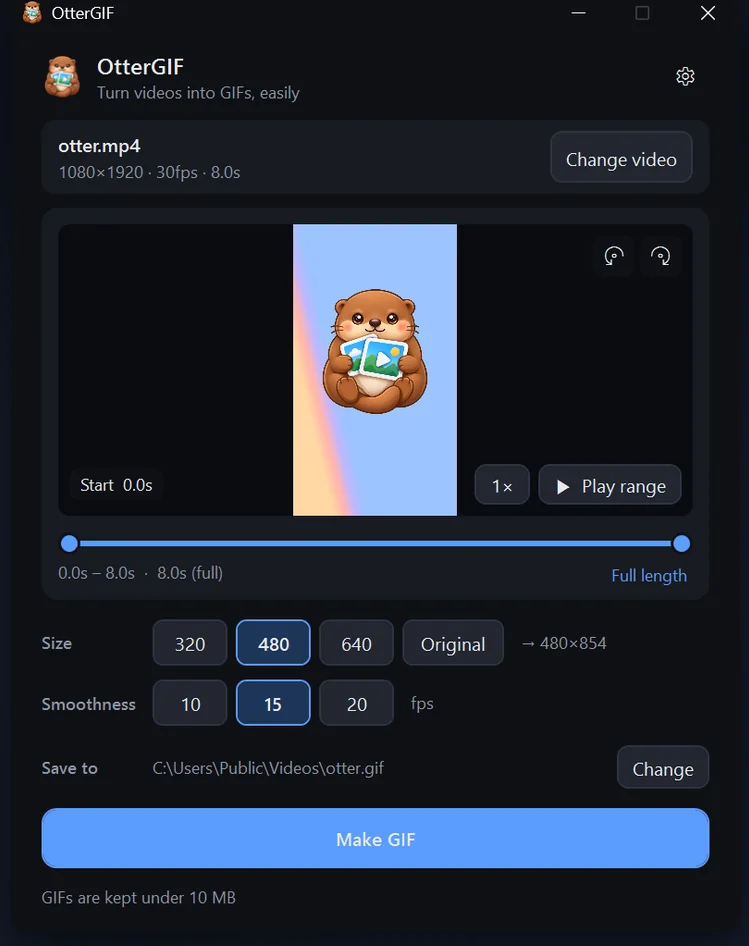

Easy
Drag a video onto the window, pick the part you want with the slider and play it right away. Press "Make GIF" and drag the result straight to wherever you need it.
Size limit
Set a limit of 5, 10, or 20 MB. If the GIF is bigger, OtterGIF lowers the smoothness and size and makes it again. Long videos start with only the first 10 seconds selected.
Phone videos
HEVC and HDR videos are color-corrected automatically so they don't look washed out, and videos shot upright come out the right way.
Peace of mind
No internet connection is used at all — your videos never leave your PC. No sign-up. Available in 10 languages.
Options
Size, smoothness and speed — with the final length shown right away. Rotate 90°, loop on or off, and it remembers your last choices. Space plays the range, [ and ] set the start and end.
Install it from the Microsoft Store.
Install in one click and get updates automatically through the Microsoft Store.
Get it from Microsoft StoreWindows · Automatic updates
This app includes FFmpeg, licensed under the LGPL v2.1.